


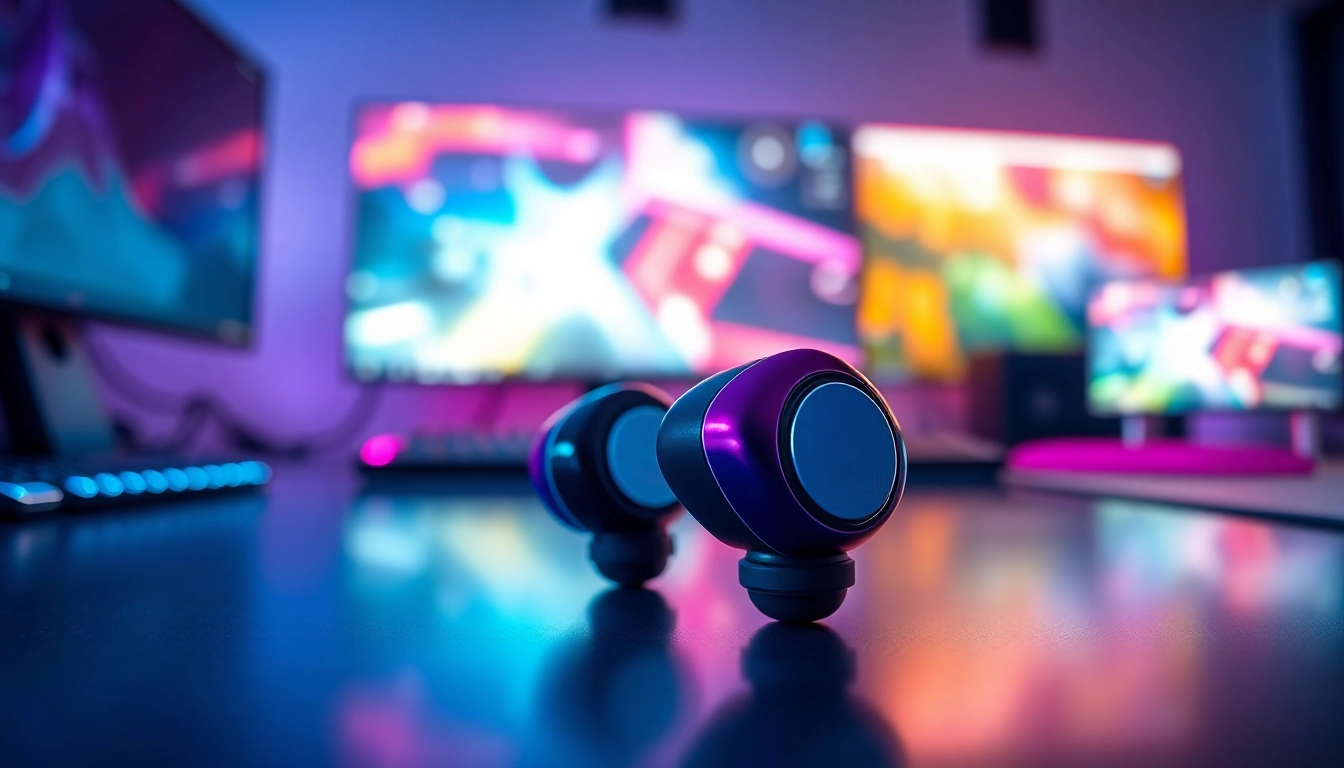
Introduction to PRO60 Gaming Earbuds
In the rapidly evolving world of gaming, the right audio experience can make a significant difference. Enter the PRO60 Gaming Earbuds, a product designed with the gamer in mind. These earbuds promise to provide not only superior sound quality but also comfort and functionality tailored for prolonged use. This article delves into the various features, sound performance, and maintenance of the PRO60 Gaming Earbuds, offering you a comprehensive guide to enhancing your gaming sessions.
What are PRO60 Gaming Earbuds?
The PRO60 Gaming Earbuds are specialized audio devices engineered for immersive gaming experiences. Unlike standard earbuds, these are designed with gamers’ needs in mind, combining advanced technology with ergonomic design to provide a seamless auditory environment. They are lightweight, portable, and crafted to deliver high-fidelity sound that can elevate your gameplay, whether you’re engaging in a critical mission or enjoying casual gaming.
Key Features of PRO60 Gaming Earbuds
The PRO60 Gaming Earbuds boast a plethora of features aimed at improving your gaming experience:
- Noise Isolation: Designed to block out background noise, ensuring that you focus on the game without distractions.
- In-line Microphone: Equipped with a high-quality microphone that captures clear voice input for a more engaging multiplayer experience.
- Customizable Sound Profiles: Options for tweaking the audio settings to suit different gaming genres, whether you’re in an FPS or an RPG.
- Durable Design: Built to withstand the rigors of active gaming, with reinforced cabling and premium materials.
- Compatibility: Compatible with multiple devices, including PCs, consoles, and mobile devices, for versatile usage.
Sound Quality and Performance
The sound quality of the PRO60 Gaming Earbuds is engineered for clarity and depth. With advanced drivers, they reproduce sound frequencies that enhance the gaming experience:
- Rich Bass: Deep lows that bring explosion sounds and rumbling effects to life, making you feel part of the action.
- Crisp Highs: Clear treble notes that allow you to hear subtle cues, such as footsteps of opponents or environmental sounds.
- Balanced Audio: Well-rounded sound that ensures no frequency drowns out another, for a comprehensive gaming experience.
Optimizing Sound for Gaming
To fully leverage the capabilities of your PRO60 Gaming Earbuds, consider personalizing your audio settings. Here are key strategies for optimizing sound performance:
Choosing the Right Audio Settings
Every game has its unique sound profile. Adjusting your audio settings can greatly enhance your in-game experience. For instance, most gaming platforms allow users to modify equalizer settings, enabling you to emphasize specific frequencies that improve your overall gameplay. A general recommendation includes:
- Boosting bass for action-oriented games.
- Enhancing mid frequencies for dialogue-heavy chances.
- Maintaining clarity in high frequencies to detect environmental sounds.
Utilizing Surround Sound Technology
Many games offer surround sound settings that mimic a 3D audio environment. Utilizing these features with the PRO60 Gaming Earbuds can create an immersive experience. Look for:
- Settings that enhance spatial awareness, ideal for competitive gaming.
- Technology that simulates directionality, helping in identifying the source of sounds in your environment.
Tuning Your PRO60 Gaming Earbuds
Tuning your PRO60 Gaming Earbuds to your preferences can vastly enhance your gaming sessions. Consider the following:
- Experiment with different genres to find ideal sound settings that suit various types of games.
- Utilize gaming software that offers customizable sound profiles.
- Pay attention to feedback from in-game communication for optimal clarity in multiplayer scenarios.
Comfort and Fit
When gaming for extended periods, comfort is crucial. PRO60 Gaming Earbuds are designed to provide a secure and comfortable fit, allowing you to focus on your game rather than on discomfort.
Understanding Earbud Design
The design of PRO60 Gaming Earbuds takes into account the anatomy of the ear, featuring a lightweight structure with various ear tip sizes. This ensures a snug fit that helps in:
- Reducing ear fatigue during long gaming sessions.
- Enhancing sound isolation by sealing the ear canal effectively.
Tips for a Secure Fit
To maximize comfort, adhere to these tips for achieving a secure fit:
- Experiment with different ear tip sizes to find the perfect match.
- Position the earbuds correctly; they should sit snugly without excessive pressure.
- Use the provided fit accessories, such as comply foam tips, for added comfort.
Materials Used in PRO60 Gaming Earbuds
The materials play a significant role in the comfort and durability of the PRO60 Gaming Earbuds. Key materials include:
- Silicone Tips: Soft and flexible, offering both comfort and sound isolation.
- Lightweight Housing: Constructed from durable plastic or aluminum, ensuring longevity without compromising weight.
- Copper Wiring: Enhances sound quality by reducing signal loss, providing a clearer audio experience.
Maintaining Your PRO60 Gaming Earbuds
Proper care and maintenance can extend the life of your PRO60 Gaming Earbuds. Here are essential practices to keep them in optimal condition:
Cleaning and Care Tips
Cleaning your earbuds regularly can prevent buildup that affects performance. Follow these suggestions:
- Use a soft cloth to wipe external parts after use.
- Remove and clean ear tips with warm soapy water, allowing them to dry completely before reattachment.
- Store them in a case when not in use to avoid tangles and dust accumulation.
Storage Recommendations
Good storage practices can minimize wear and tear on your PRO60 Gaming Earbuds:
- Keep them stored in a protective case to prevent damage.
- Avoid wrapping cords too tightly, as this can cause cable fatigue.
- Store in a cool, dry place to prevent moisture and temperature-related damage.
Common Issues and Troubleshooting
Like any electronic device, PRO60 Gaming Earbuds might encounter issues. Here are resolutions for common problems:
- No sound: Check connections and battery. Restart the device if needed.
- Sound distortion: Ensure the audio source and settings are adjusted correctly.
- Fit issues: Replace ear tips or try adjusting the angle of the earbuds for a better fit.
FAQs about PRO60 Gaming Earbuds
What devices are compatible with PRO60 Gaming Earbuds?
The PRO60 Gaming Earbuds are compatible with a variety of devices, including PCs, consoles, and mobile games, providing versatility in use.
Can I use PRO60 Gaming Earbuds for sports?
Yes, PRO60 Gaming Earbuds can be used for sports due to their secure fit and durable design, making them a practical choice for active wear.
How long is the battery life of PRO60 Gaming Earbuds?
The battery life of PRO60 Gaming Earbuds varies by use, but they typically last for several hours, suitable for extended gaming sessions.
Are PRO60 Gaming Earbuds waterproof?
While the PRO60 Gaming Earbuds are designed for durability, they are not fully waterproof. Avoid moisture exposure to maintain their longevity.
What’s included in the PRO60 Gaming Earbuds package?
The package typically includes the PRO60 Gaming Earbuds, multiple ear tip sizes, a case, and a user manual for your convenience.


